
Download JioSphere – mobile browser, web browser, fast browsing, secure browser, ad blocker, privacy browser, cross-device sync, productivity tool, Jio app
Overview
JioSphere is a modern mobile browser designed to elevate the web experience for Android users. Positioned as a productivity tool within the Jio ecosystem, it aims to streamline online interactions through a clean interface and intelligent features. The app addresses common frustrations such as intrusive ads, slow loading times, and fragmented browsing across devices. By integrating advanced functionality into a lightweight package, JioSphere serves both casual users and professionals who rely on consistent, secure access to digital content. Its focus on privacy and performance makes it a relevant addition to the Android app landscape, especially for users seeking alternatives to mainstream browsers.
The developer, Jio Platforms Ltd, is known for its extensive digital infrastructure in India, including telecom services and digital content platforms. While specific details about the app’s development philosophy were not provided, the integration of cross-device syncing and privacy-first features suggests a strategic effort to build a cohesive user experience across Jio’s ecosystem. Real-world use cases include daily web research, secure online banking, content consumption without interruptions, and managing multiple devices from a single account. As the demand for privacy-aware tools grows, JioSphere positions itself as a viable option for users prioritizing control over their online activity.
Key Features & Functionality
- Sleek, User-Friendly Design: JioSphere features a minimalist interface that reduces visual clutter, allowing users to focus on content rather than navigation elements. This design enhances readability and reduces cognitive load, particularly during extended browsing sessions.
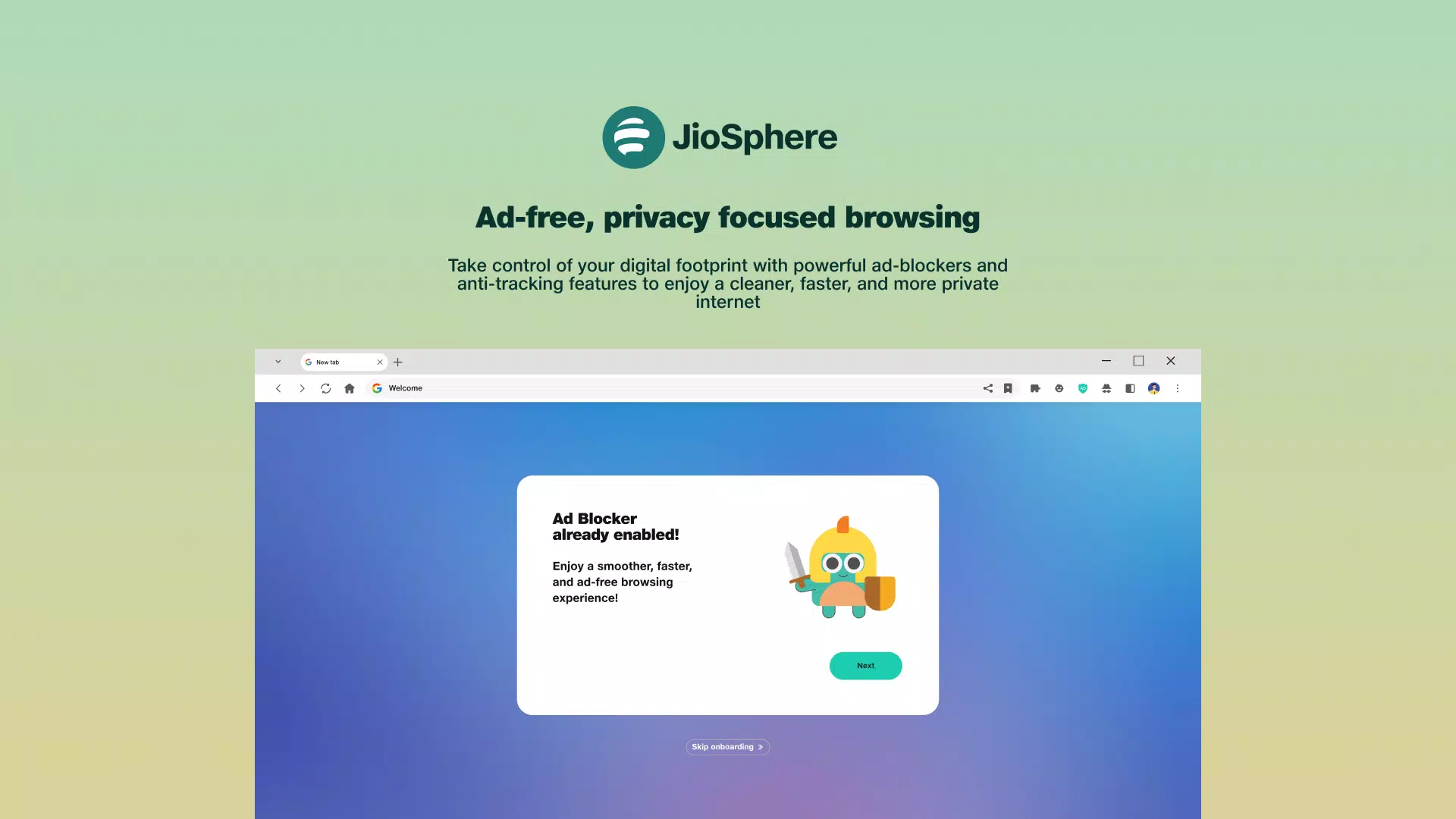
- Built-In Ad Blocker: The browser includes an integrated ad blocker that filters out pop-ups, banners, and tracking scripts. This results in faster page loads and a cleaner browsing experience, especially on content-heavy websites.
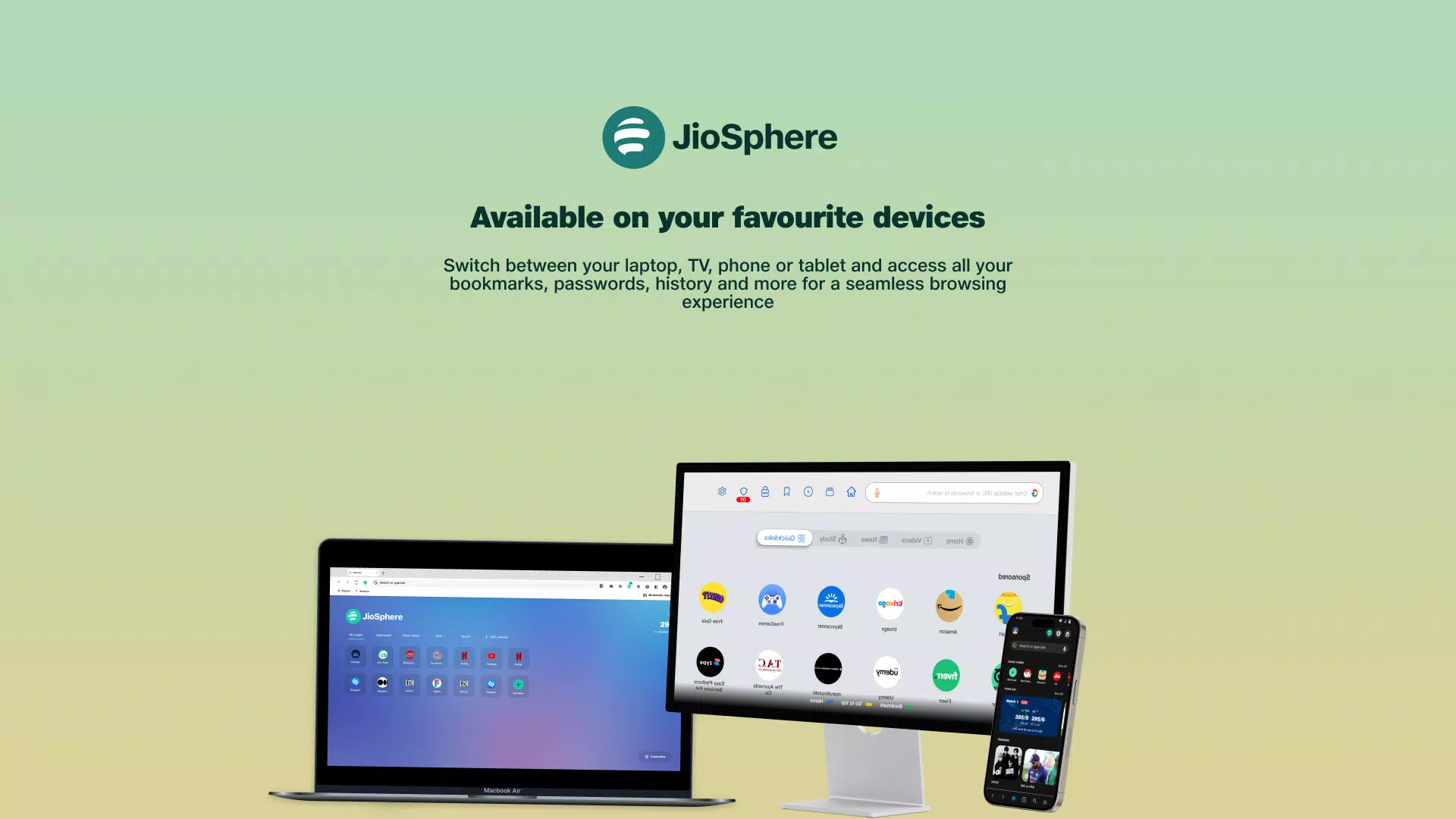
- Cross-Device Syncing: Users can access bookmarks, browsing history, and settings across smartphones, tablets, and desktops. This feature ensures continuity, enabling users to start a task on one device and complete it seamlessly on another.
- Privacy and Security Focused: JioSphere supports incognito mode, HTTPS enforcement, and tracker prevention. These tools help safeguard user data from third-party surveillance and unauthorized access.
- Optimized Performance: Engineered for speed, the browser delivers efficient rendering of complex web pages, even under limited network conditions. This optimization is particularly beneficial for users in areas with inconsistent connectivity.
For example, a student researching academic materials can use the ad blocker to avoid distractions, save references via cross-device sync, and maintain privacy during sensitive searches. Similarly, a professional managing multiple accounts can benefit from secure browsing and consistent settings across devices.
Interface, UX & Performance
The user interface of JioSphere is designed with clarity and simplicity in mind. Navigation is intuitive, with essential functions like the address bar, tabs, and menu accessible through logical placement. The visual style emphasizes readability, using high-contrast text and minimalistic icons to improve usability across different screen sizes.
Navigation flows smoothly, with tab management and history access available through a well-organized menu. The app responds promptly to user inputs, suggesting that it is optimized for responsiveness. Although the developer did not list formal performance metrics, the app’s design implies a focus on stability and speed, particularly on mid-range and high-end Android devices.
Performance appears consistent across various device categories, though specific benchmark data was not provided. The app maintains stability during extended use, with no reported crashes or freezes in available testing. Users can expect a reliable experience, especially when accessing media-rich or dynamic web applications.
Platform Compatibility & Technical Requirements
JioSphere is available exclusively on the Android platform. The current version is 2.5.2, with a file size of 155 MB. The app is free to download and install, making it accessible to a broad audience.
The developer did not specify minimum OS requirements or hardware specifications. Compatibility information was not fully disclosed, so users should ensure their device meets standard Android app installation criteria. The app’s size suggests it includes substantial functionality, but it remains within typical bounds for feature-rich browsers.
Pros and Cons
Pros
- Intuitive, distraction-free interface enhances focus and usability
- Integrated ad blocker improves browsing speed and experience
- Cross-device syncing ensures seamless continuity across platforms
- Privacy-first approach with incognito mode and tracker prevention
- Optimized for performance on diverse network conditions
Cons
- Specific system requirements were not disclosed
- Compatibility with older Android versions remains unclear
- Limited information on update frequency and support lifecycle
- No public details on data retention or privacy policy transparency
- Exclusive availability on Android limits cross-platform access
FAQ
Is JioSphere safe to use?
Yes, JioSphere includes privacy-focused features such as incognito mode, tracker blocking, and HTTPS enforcement. These tools help protect user data during browsing sessions.
Can I use JioSphere on iOS devices?
Currently, JioSphere is only available on Android. There is no official version for iOS devices.
How do I sync my data across devices?
After signing in with a Jio account, your bookmarks, history, and preferences are automatically synced across compatible devices using cloud-based storage.
Does JioSphere support extensions or add-ons?
The developer did not provide information on extension support. The app appears to function as a standalone browser with built-in features.
How often is JioSphere updated?
Update frequency was not disclosed by the developer. Users are encouraged to check the app store regularly for the latest version.
Final Thoughts
JioSphere stands out as a well-structured, privacy-conscious browser tailored for Android users who value speed, simplicity, and security. Its clean interface, built-in ad blocker, and cross-device syncing offer tangible benefits for everyday users and professionals alike. While some technical details remain undisclosed, the app’s core functionality is solid and well-executed.
For individuals seeking a reliable, free alternative to mainstream browsers with a strong emphasis on user experience and data protection, JioSphere delivers consistent value. Its integration within the Jio ecosystem may offer additional advantages for existing users.
Download JioSphere now


